
How Designers Can Use AI Without Losing Originality
AI is officially part of the creative world now.
It is in design software, writing tools, image generators, website builders, presentation tools, editing apps, and probably three platforms you opened by accident while trying to find one specific file. Designers are using AI to brainstorm, generate layouts, edit images, test ideas, write first drafts, organize research, and speed up repetitive tasks.
And honestly? That can be a good thing.
The problem is not that designers are using AI. The problem is when AI starts making everything look and sound the same.
Because if every brand starts using the same polished-but-generic visuals, the same dreamy gradient backgrounds, the same suspiciously perfect stock-photo people, and the same “elevate your brand with innovative solutions” copy, audiences are going to tune out fast.
AI can help designers work faster, but originality still comes from strategy, taste, judgment, experience, and a real point of view.
In other words: AI can hand you ingredients. You still have to know how to cook.
AI Is a Tool, Not the Creative Director
The healthiest way to use AI in design is to treat it like a creative assistant, not the boss.
AI can help you explore possibilities. It can give you a starting point. It can help you move through the messy early stages of a project. But it should not be the thing making the final creative decisions.
Adobe’s 2026 creative trends emphasize human connection, sensory experiences, playful engagement, and local culture — all areas where human judgment and context matter deeply. The overall direction of design is not “let the machine make everything.” It is more like “use the machine, but make the work feel more human.”
That distinction matters.
AI can generate twenty logo concepts in a minute. But it does not know your client’s awkward competitor landscape, their weirdly specific audience, their budget limits, their print vendor issues, or the fact that the founder absolutely hates purple because of a traumatic middle school bedroom makeover.
Design is context. AI is pattern recognition.
Very useful pattern recognition, yes. But still not the same as creative strategy.
Use AI for Brainstorming, Not Blind Copying
One of the best uses of AI is brainstorming.
At the beginning of a project, designers often need to explore directions quickly. AI can help generate moodboard ideas, campaign angles, headline options, visual styles, customer personas, color palette directions, or rough layout structures.
That does not mean you use the first thing it gives you.
Please do not use the first thing it gives you.
The first AI output is usually the design equivalent of a rough napkin sketch. Sometimes helpful. Sometimes wildly off. Sometimes weirdly obsessed with putting glowing orbs in everything.
Instead, use AI to ask better questions:
What visual styles could fit this audience?
What clichés should we avoid in this industry?
What emotions should this brand communicate?
What content themes would support this campaign?
What layout options could work for this landing page?
What are competitors in this space likely overusing?
Then take those ideas and filter them through your own creative judgment.
AI can expand the room. You still choose the door.
Let AI Handle the Repetitive Stuff
Some parts of design work are creative. Some parts are repetitive. Some parts are just you resizing the same graphic for eight platforms while questioning your life choices.
AI can be especially helpful with the repetitive or production-heavy parts of the workflow.
For example, designers can use AI to help with:
Resizing content for different platforms
Removing backgrounds
Generating rough layout variations
Drafting placeholder copy
Summarizing client notes
Organizing research
Creating quick mockup concepts
Cleaning up image edits
Exploring social caption ideas
Building first-pass presentation outlines
Figma describes its AI features as a way to speed up routine tasks and free up designers to focus on the creative work they want to do more of. Canva’s AI tools also focus on generating designs, editable layouts, text, and visual content directly inside the design workflow.
That is where AI can be genuinely valuable.
The goal is not to remove the designer from the process. The goal is to remove some of the busywork so the designer can spend more time on concept, refinement, storytelling, and quality.
Basically, let AI help with the tedious parts. Keep your brain for the parts clients are actually paying you for.
Protect Your Creative Point of View
Originality does not come from avoiding every trend. It comes from having a point of view.
A designer’s point of view includes taste, experience, references, instincts, values, and the ability to know when something feels right for the brand. That is hard to automate.
AI tends to create based on what already exists. That means it can easily push work toward the average. Clean. Polished. Technically fine. Completely forgettable.
You know that feeling when something looks “good” but also like it came from nowhere and belongs to nobody? That is the danger zone.
To protect originality, designers need to bring their own lens into the process:
What do I want this brand to feel like?
What should this avoid looking like?
What is specific about this audience?
What visual choices would feel unexpected but still appropriate?
What story is this brand trying to tell?
What would make this memorable?
What human detail can we bring in?
AI can help you generate options, but your taste decides what is worth keeping.
And taste is not just “I like this.” Taste is the ability to understand why something works.
Do Not Let AI Flatten the Brand
One of the biggest risks of AI-assisted design is sameness.
If everyone is using similar prompts, similar tools, and similar references, the work can start to blend together. Same soft gradients. Same futuristic blobs. Same perfect mockups. Same smiling people pointing at invisible interfaces. Same everything.
Canva’s 2026 design trends describe a push toward “imperfect by design,” with creators using AI while bending it toward their own style and a more human visual expression. That is a helpful reminder: the point is not to make work look more machine-made. The point is to use the tool in service of something more distinct.
A brand should still have its own personality.
That might come through in custom typography, original photography, illustration style, unexpected color combinations, specific language, local references, founder personality, hand-drawn elements, or a design system that was clearly built for that brand — not pulled from the Great Big Internet Soup.
AI should support the brand’s identity, not sand off everything interesting.
A little imperfection can be good. It reminds people there is a human being behind the work.
And in 2026, “a human being was involved” is honestly a pretty strong selling point.
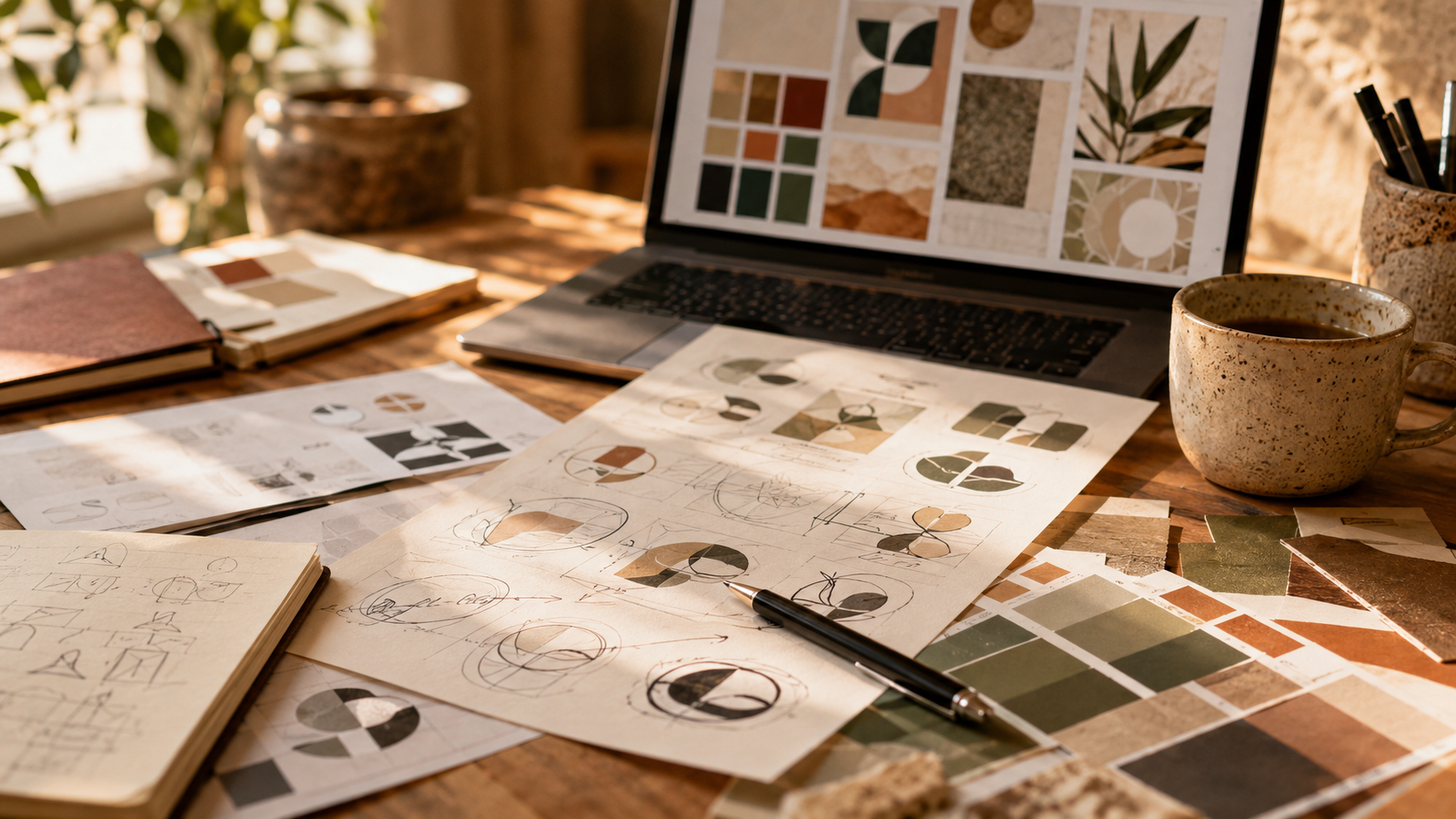
Use AI to Explore, Then Customize Everything
AI-generated work should rarely be treated as finished work.
Think of AI output as raw material. It can give you a direction, but it needs editing, refinement, and customization before it becomes something worth presenting.
A strong AI-assisted workflow might look like this:
Define the creative strategy first.
Use AI to explore concepts or visual directions.
Select the strongest ideas.
Refine them manually.
Customize typography, color, layout, and messaging.
Check that everything aligns with the brand.
Review for originality, accessibility, and usability.
Polish the final deliverables with human judgment.
This is where designers keep their value.
The value is not just making something appear on the screen. The value is knowing what to keep, what to cut, what to improve, and what should never see daylight again.
AI can generate a lot of options. Designers create meaning.
Be Transparent When It Matters
Transparency is becoming more important as AI becomes more common in creative work.
That does not mean every tiny AI-assisted step needs a dramatic announcement. No one needs a footnote that says, “A grammar tool helped me fix a comma.” We can all remain calm.
But when AI plays a meaningful role in generating images, campaign visuals, commercial assets, or client-facing content, it is smart to be clear about how it was used.
Adobe’s Content Credentials are designed to provide a durable, industry-standard metadata layer that can show creator information and whether content was captured by a camera, generated by AI, or edited with tools like Photoshop. Adobe also positions Firefly as commercially safe for business use, with qualifying plans eligible for IP indemnification under applicable terms.
For designers, this raises an important point: not all AI tools, licenses, and outputs are the same.
Before using AI-generated visuals in client work, designers should consider:
What tool was used?
What are the usage rights?
Can the output be used commercially?
Was copyrighted or brand-owned material used as input?
Does the client know AI was involved?
Does the final result look too similar to existing work?
Are there disclosure or transparency expectations?
This is not the glamorous part of design, but it matters.
Because nothing ruins a brand launch faster than a legal question with a subject line that starts with “Urgent.”
Keep Strategy at the Center
The best way to avoid generic AI-assisted design is to start with strategy.
Before opening an AI tool, designers should know what they are trying to communicate. Otherwise, the tool will happily generate beautiful things that solve absolutely nothing.
A strong creative strategy should define:
The audience
The brand personality
The main message
The emotional goal
The visual direction
The competitive landscape
The channels where the design will appear
The action you want people to take
Once those pieces are clear, AI becomes much more useful. You are not asking it to magically create “something cool.” You are using it to explore within defined creative boundaries.
That is the difference between AI-assisted design and AI-randomized design.
One has a purpose. The other has vibes and no adult supervision.
Use AI to Strengthen the Process, Not Replace the Process
Design has never just been about making things look nice.
Designers research, organize, question, translate, simplify, persuade, test, edit, and make decisions. A lot of the best design work happens before the final visual exists.
AI can support that process, but it should not replace it.
For example, AI can help summarize a client discovery call, but the designer still needs to identify the real problem. AI can suggest a color palette, but the designer needs to check whether it fits the brand and has enough contrast. AI can create a draft layout, but the designer needs to refine hierarchy, spacing, balance, and usability.
AI is helpful. But it does not care if the CTA is buried, the logo spacing feels weird, or the audience does not understand the offer.
Designers care. Or at least, good ones do.
Originality Comes From Editing
Here is the part people do not talk about enough: originality often comes from editing.
The first idea is rarely the best idea. The first AI output is definitely rarely the best idea. The strongest creative work usually comes from refining, combining, questioning, cutting, and improving.
A designer might use AI to generate ten possible directions, then take one small detail from option three, a mood from option seven, a layout idea from option two, and combine that with original research, custom type choices, brand strategy, and human taste.
That is not copying. That is creative direction.
The originality is in the decisions.
What you reject matters just as much as what you use.
Practical Ways Designers Can Use AI Without Losing Originality
Here are a few realistic ways designers can bring AI into their workflow while still protecting creative value.
1. Start With Your Own Research
Before using AI, gather real input: client goals, audience insights, competitor examples, brand personality, customer objections, and project constraints.
AI works better when you feed it specific context.
Bad prompt:
“Make a logo for a bakery.”
Better prompt:
“Explore visual identity directions for a small artisan bakery that wants to feel warm, local, handmade, and slightly elevated — not childish, not overly rustic, and not like a generic cupcake shop.”
The second prompt gives the tool something to work with. It also gives you a way to judge whether the output is actually useful.
2. Ask AI What to Avoid
This is one of the most underrated uses of AI.
Instead of only asking for ideas, ask what clichés are common in the industry.
For example:
What visual clichés appear in wellness branding?
What design tropes are overused in real estate marketing?
What does every coffee brand seem to do?
What should a premium service brand avoid if it wants to feel modern?
This helps you avoid blending in.
Sometimes originality starts with saying, “Let’s not do the obvious thing.”
3. Generate Multiple Directions, Then Build Your Own
Use AI to create rough directions, not final deliverables.
You might explore:
Moodboard themes
Color palette concepts
Campaign headline territories
Social media layout ideas
Illustration styles
Website section structures
Packaging inspiration
Email subject line angles
Then use your own design skills to build something custom.
AI gives you sparks. You still build the fire.
Safely. With strategy. Not in a legally concerning way.
4. Use AI as a Critique Partner
AI can be useful for reviewing your work from different perspectives.
You can ask:
Is this messaging clear for a first-time visitor?
What questions might a potential customer still have?
Does this landing page structure make sense?
What parts of this copy sound generic?
What could make this campaign feel more specific?
What accessibility issues should I check?
What assumptions am I making about the audience?
Of course, AI feedback should not be treated as absolute truth. But it can help you notice gaps.
Think of it as a second set of eyes. Not a creative god. Just eyes.
5. Create a Human Pass Before Anything Goes Live
Before publishing or presenting AI-assisted work, do a human originality check.
Ask:
Does this feel specific to the brand?
Does it sound like something a real person would say?
Have I removed generic AI phrasing?
Have I customized the visuals?
Does the design have a clear hierarchy?
Is the color contrast accessible?
Does this support the client’s actual goal?
Would this stand out from competitors?
Can I explain the creative decisions?
If you cannot explain why a design choice exists, it probably needs more work.
“Because the AI made it” is not a strategy.
It is barely a sentence.
Final Thoughts
Designers can absolutely use AI without losing originality.
The key is to use it with intention.
Use AI to brainstorm, explore, organize, automate, and speed up repetitive tasks. Use it to test possibilities and get unstuck. Use it to support the process.
But keep the important parts human.
The strategy.
The taste.
The editing.
The context.
The emotion.
The judgment.
The final creative decisions.
AI can help designers move faster, but originality still comes from knowing what matters and why.
The future of design is not human versus AI.
It is human creativity with better tools.
And preferably fewer generic glowing orbs.
FAQ
-
Yes. Designers can use AI and still be original when they use it as a support tool rather than a replacement for strategy, taste, and creative judgment. Originality comes from how designers interpret, refine, customize, and apply ideas to a specific brand or audience.
-
Graphic designers can use AI for brainstorming, moodboard exploration, layout ideas, copy drafts, image editing, background removal, resizing content, organizing research, creating rough mockups, and speeding up repetitive production tasks.
-
AI may change parts of the design workflow, especially repetitive production tasks, but it does not replace the full role of a designer. Designers provide strategy, context, creative direction, taste, client communication, and final decision-making.
-
The main risks include generic-looking work, overused visual styles, unclear usage rights, lack of originality, poor brand fit, accessibility issues, and relying too heavily on AI output without human refinement.
-
Designers can avoid generic AI design by starting with strategy, using specific prompts, researching competitors, customizing outputs, adding original visual elements, refining typography and layout, and making sure the final work fits the brand’s unique personality.
-
Designers should be transparent when AI plays a meaningful role in generating client-facing visuals, written content, or commercial assets. The level of disclosure may depend on the project, the client agreement, the tool used, and the final deliverable.
Reference Notes
Adobe Express: 2026 creative and design trends, including human connection, sensory experiences, playful engagement, and local culture.
Figma AI: AI features positioned around speeding up routine tasks and supporting creative workflows.
Canva AI and Canva Design Trends 2026: AI-assisted creation, editable layouts, and a trend toward more imperfect, human visual expression.
Adobe Content Credentials and Firefly for Business: information about transparency, provenance metadata, commercial use, and applicable indemnification terms.
